[ Free checklist · no email needed ] The Google Business Profile checklist.
Everything your Google Business Profile needs, on one page: 15 things to set up once, a 15-minute monthly check, and six things never to do. Checked against Google’s own help pages on 1 November 2026.
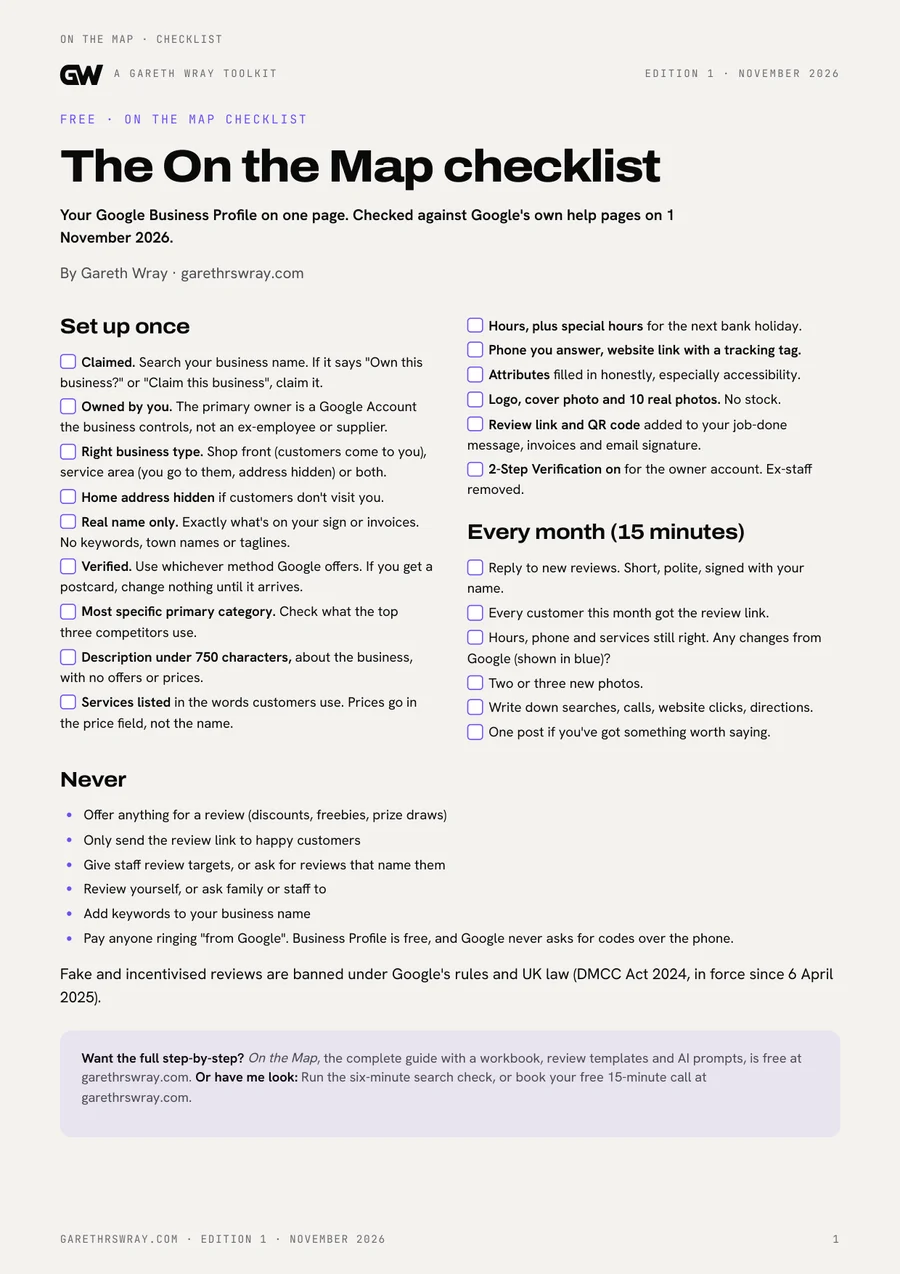
Set up once Get these right first.
Most of it takes an afternoon. Verification can take up to five working days, so start that first.
- Claimed. Search your business name. If it says “Own this business?” or “Claim this business”, claim it.
- Owned by you. The primary owner is a Google Account the business controls, not an ex-employee or supplier.
- Right business type. Shop front (customers come to you), service area (you go to them, address hidden) or both.
- Home address hidden. If customers don’t visit you.
- Real name only. Exactly what’s on your sign or invoices. No keywords, town names or taglines.
- Verified. Use whichever method Google offers. If you get a postcard, change nothing until it arrives.
- Most specific primary category. Check what the top three competitors use.
- Description under 750 characters. About the business, with no offers or prices.
- Services listed. In the words customers use. Prices go in the price field, not the name.
- Hours, plus special hours. For the next bank holiday.
- Phone you answer, website link with a tracking tag. So you can see profile visits in your analytics.
- Attributes. Filled in honestly, especially accessibility.
- Logo, cover photo and 10 real photos. No stock photos.
- Review link and QR code. Added to your job-done message, invoices and email signature.
- 2-Step Verification on. For the owner account. Ex-staff removed.
- Reply to new reviews. Short, polite, signed with your name.
- Every customer this month got the review link.
- Hours, phone and services still right. Any changes from Google (shown in blue)?
- Two or three new photos.
- Write down searches, calls, website clicks, directions.
- One post if you’ve got something worth saying.
- Offer anything for a review (discounts, freebies, prize draws)
- Only send the review link to happy customers
- Give staff review targets, or ask for reviews that name them
- Review yourself, or ask family or staff to
- Add keywords to your business name
- Pay anyone ringing “from Google”. Business Profile is free, and Google never asks for codes over the phone.
Fake and incentivised reviews are banned under Google’s rules and UK law (the Digital Markets, Competition and Consumers Act 2024, in force for reviews since 6 April 2025).
On the Map: the full guide, workbook, 15 review templates and 17 AI prompts.
34 pages, written for UK businesses and checked against Google’s help pages. Free, sent by email.
Google Business Profile checklist: common questions Questions,
answered.
Something else? Email [email protected] or call 07521 931159.
What should a Google Business Profile include?
At minimum: your real business name, the right business type (shop front, service area or both), the most specific primary category, a description under 750 characters, your services, accurate hours including holidays, a phone number you answer, a website link, real photos and a way for customers to leave reviews.
How often should I update my Google Business Profile?
Check it once a month for about 15 minutes: reply to new reviews, confirm your hours and services, add a few new photos and note your numbers. Update straight away when anything changes, like hours, phone or services.
How long can a Google Business Profile description be?
Google’s limit is 750 characters. Write about the business itself, not offers or prices, and put the most important point first, because only the start shows before people tap “more”.
Is the checklist really free?
Yes. It’s all on this page, with a PDF to download or print. No email needed.
Rather I just did it? Book a free call Let’s see what
your buyers see.
Free, 15 minutes, no pitch. I’ll search your business before we speak.

Free call with Gareth
15 minutes · Google Meet
Pick a day
Pick a time
Loading free times…
No free times in the next three weeks. Email [email protected] and I'll find one.
See you .
The invite with the Google Meet link is on its way to your inbox. I'll look you up before we speak.
Need to move it? Use the link in the invite, or email [email protected].
- 01Book a 15-minute slot that suits you.
- 02I search your business the way your buyers do.
- 03I show you what I find. You decide what to do next.
Rather talk now? Call 07521 931159 or email [email protected].
 Pick a time